

rabbit.tech and ends with three campaign directions, followed by a selected direction in 4:5, 1:1, and 16:9.
An MCP-connected agent ran the workflow. Rainbrand held rabbit’s brand and active Brand Skill, supplied Brand Library references, and created the images. The agent defined the task, compared the results, selected a direction, and asked Rainbrand for each size.
Explore three directions
The agent asked Rainbrand for three distinct 4:5 interpretations of the same campaign idea. Each used rabbit’s Brand Skill and r1 product references from the Brand Library.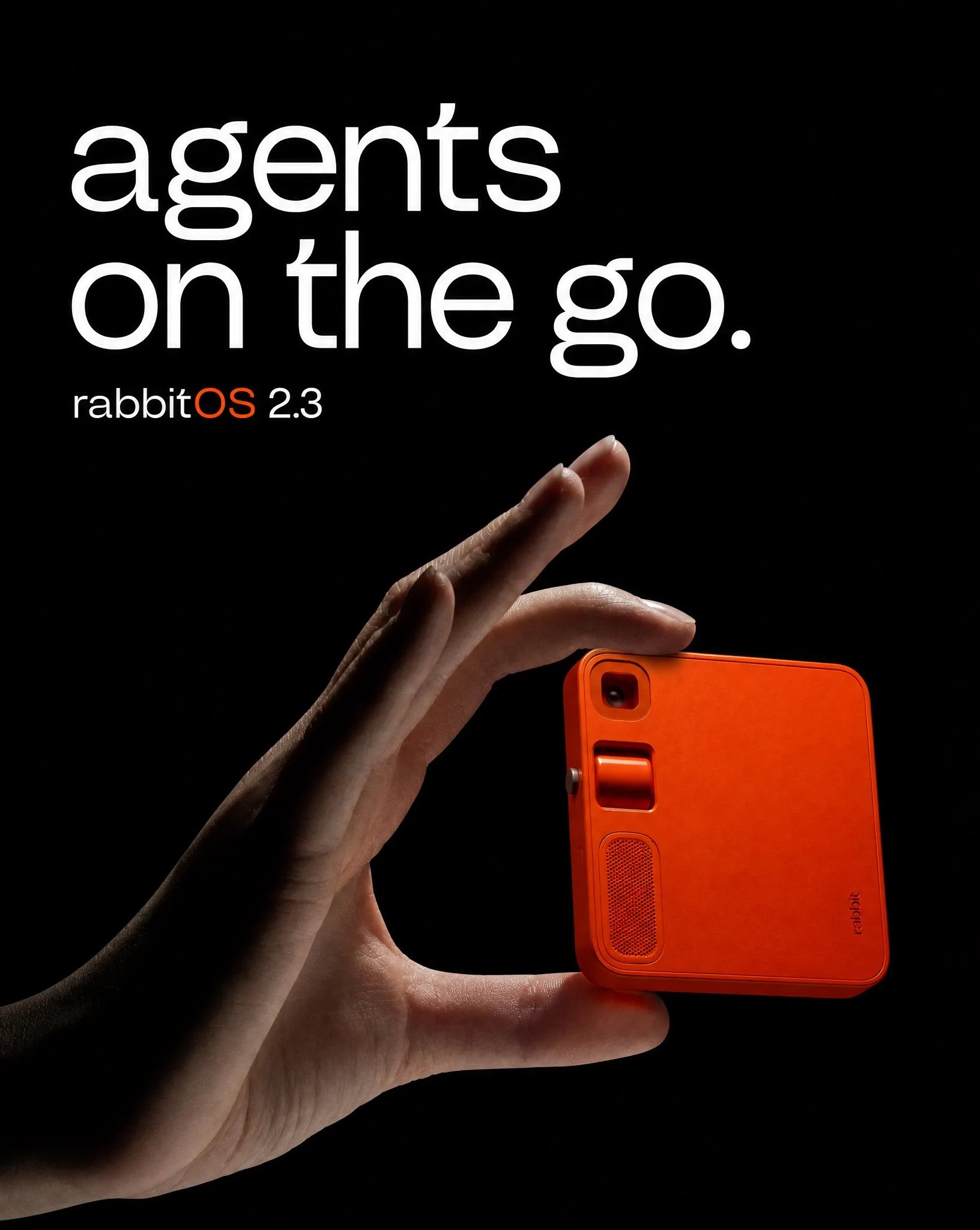
01 · product-led
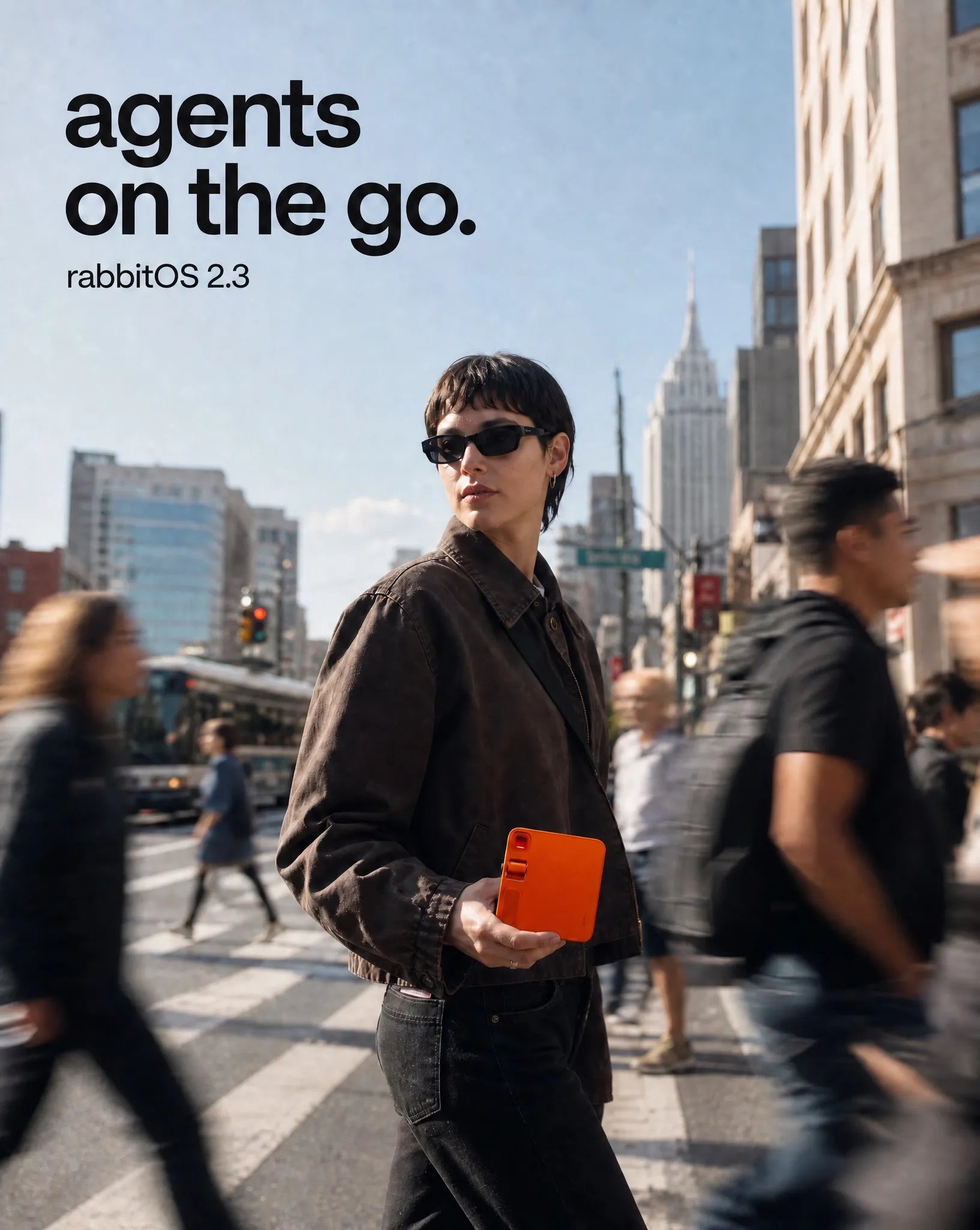
02 · street
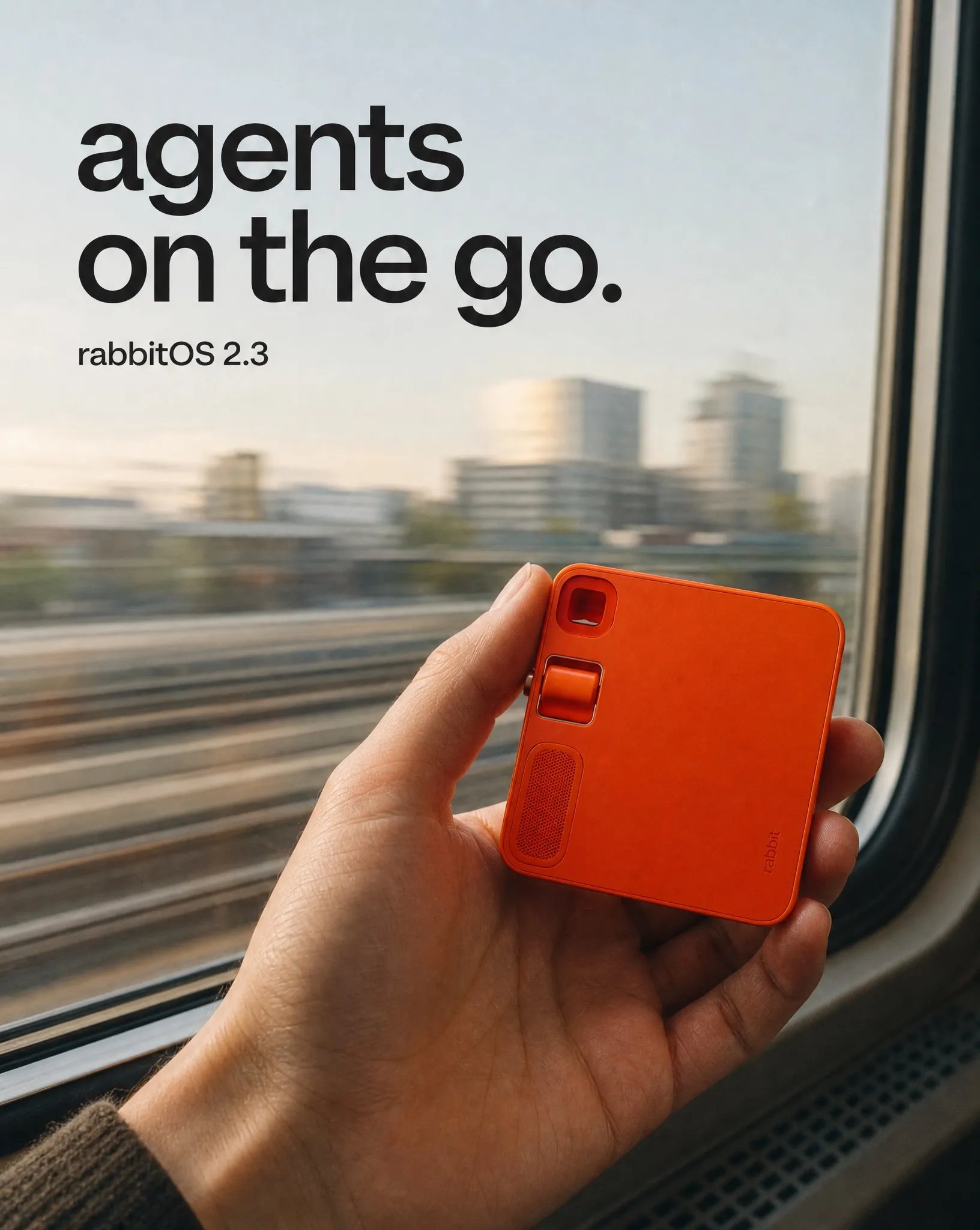
03 · travel
One direction, three sizes
In this example, Rainbrand resized the selected poster for each aspect ratio, adjusting the composition rather than cropping one canvas. To repeat the workflow with the current generation tools, choose a model that accepts image references and supports the sizes you need.4:5 original
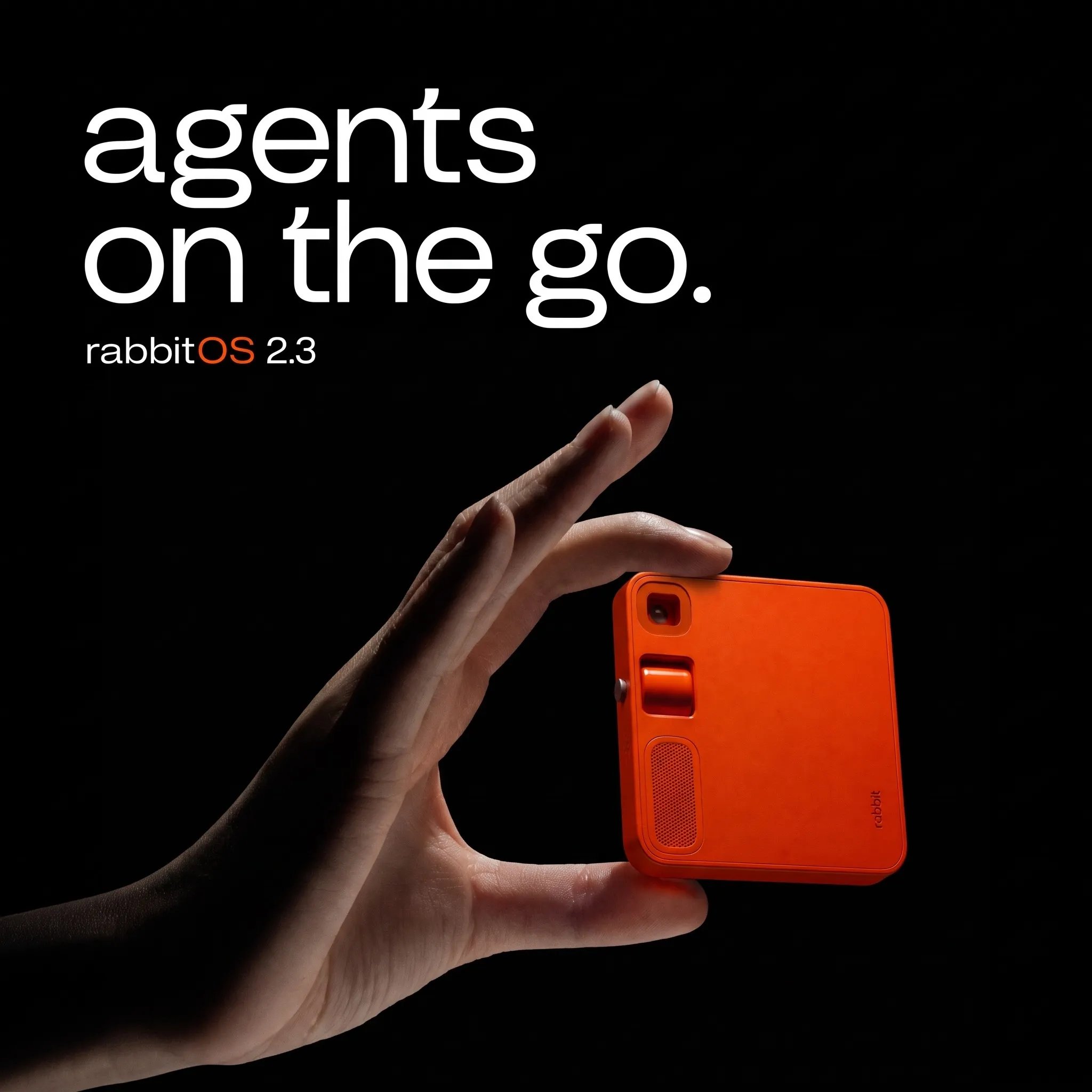
1:1 resize
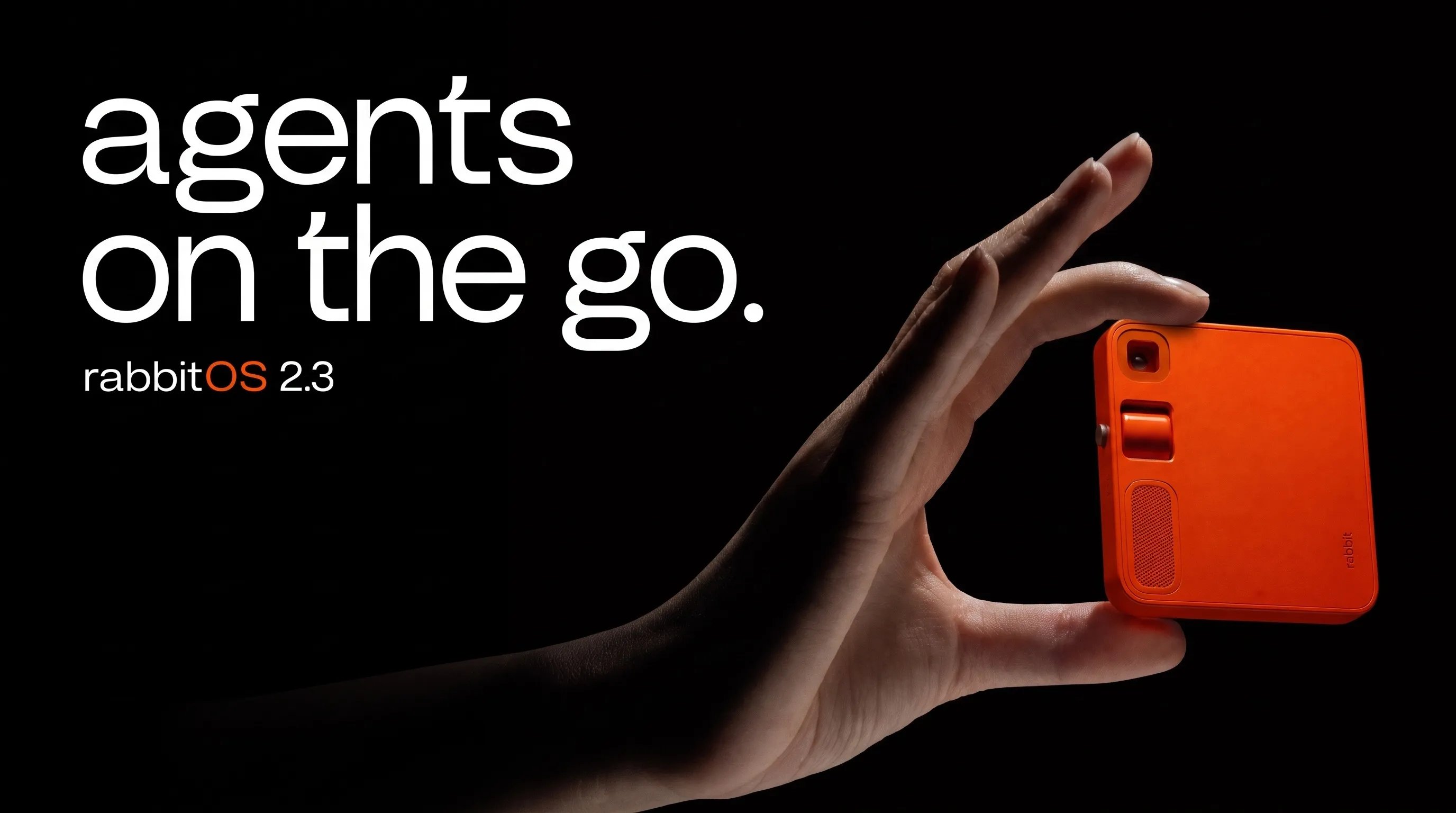
16:9 resize
Run it with your agent
This feature is in beta. During beta, endpoint schemas and behavior may change
or be removed.
Connect Rainbrand to your agent
Setup for Codex, Claude, ChatGPT, Cursor, or any MCP-compatible agent.
How it worked
1
Create and inspect the brand
Rainbrand created rabbit’s brand from
rabbit.tech. Once it was ready, the
connected agent read its Brand Skill.2
Choose the references and define the task
The agent asked Rainbrand for r1 product images from the Brand Library, then
chose the references that showed the device clearly. It set one campaign
idea around
agents on the go. for all three directions.3
Explore three directions
Rainbrand generated a product poster, a street scene, and a train-window
travel scene. Keeping all three at 4:5 made the creative direction easier to
compare.
4
Select and resize
The agent compared every result, selected the product-led poster, and asked
Rainbrand to resize it to 1:1 and 16:9. It then checked the finished set for
product fidelity and text accuracy.