

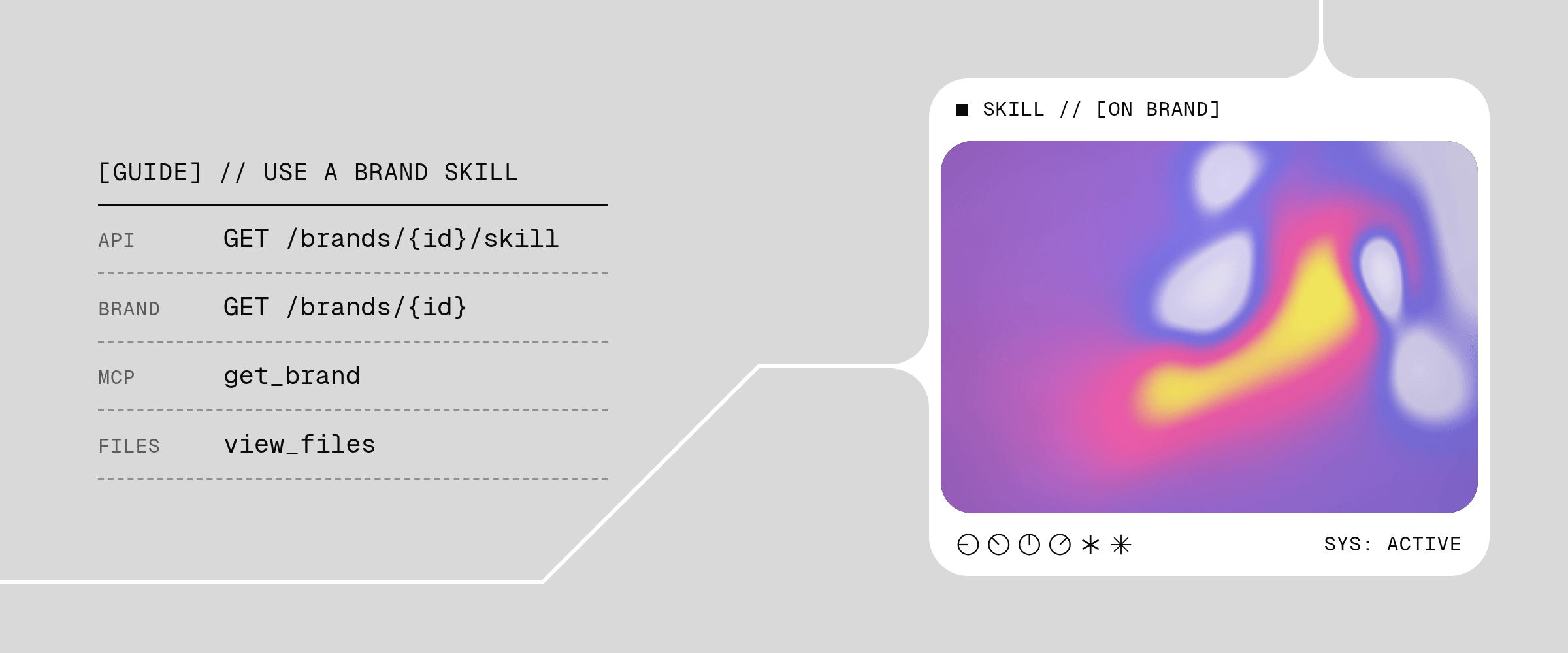
MCP clients can inspect brand context through the capabilities and schemas
returned by their live
tools/list response.Retrieve the active Skill
CallGET /brands/{id}/skill with the stable Brand ID:
- the exact Skill identity and creation time;
- the structured brand profile;
- every Markdown file in the active Skill, with its contents and the Brand Library asset IDs it references; and
- every image, font file, and font specimen in the Skill, with a temporary signed download URL.
SKILL.md and follow its references to the guidance and assets needed for your task. See the endpoint reference for the complete response schema.
Use the color palette
Check thatprofile is not null before reading its colors. profile.colors is null when no valid palette was published; otherwise it contains the complete ordered colors, with names, groups, and usage where established. profile.gradients is an array, empty when no gradients were published, and can contain gradients even when the palette is null.
Pass the complete palette and gradients to the system doing the work. A compact swatch display is not the full palette.
Choose a logo
The profile’slogoCatalog lists the logos supported by this Skill version. Each item has a durable Brand Library imageId, its form (icon, wordmark, or lockup), and the saved asset’s metadata and temporary download URL. primaryLogoImageId identifies the general fallback; the existing primaryLogo field remains available. The favicon is separate.
Use the caller’s exact selection and the relevant Brand Skill Markdown first. Then use form and contrastsBestOn to help choose a logo for the layout and background. Use the primary logo as a general fallback when there is no more specific direction.
contrastsBestOn is a visibility heuristic, not brand approval. Each listed background independently passes the visibility threshold; ["light", "dark"] means both pass. An empty array means neither passes. For a transparent asset, null means analysis was unavailable; for an opaque asset, it means the check does not apply. Inspect the asset when the result does not establish that it will be visible on your background.
Handle an absent catalog differently from an empty one:
logoCatalog: nullmeans no catalog was published for this version, including legacy versions. Consult the primary logo and Markdown guidance.- A catalog with
items: []explicitly records that the version has no supported logos.
GET /brands/{id} also exposes the active catalog. For the complete profile, guidance, and files together, use GET /brands/{id}/skill. Catalog assets belong to that immutable Skill version; keep the returned skillId with any selection you save.
Image generation can alter a logo’s geometry even when you supply the correct reference. When exact geometry matters, place the original logo file onto the finished image with a renderer or image editor.
Cache by immutable identity
UseskillId as the canonical identity and cache key for the complete returned snapshot. If two responses have the same skillId, they represent the same immutable brand revision. If their skillId values differ, reload the revision even when some fields happen to be unchanged.
basedOnSkillId identifies the base Skill when the current Skill was derived from an earlier version. It is null when that relationship is unavailable.
Refresh temporary asset URLs
Catalog logos and custom typography can include temporary signed URLs insideprofile. Cache the Skill’s durable fields by skillId, but retrieve the active Skill again when a URL expires. A refreshed URL does not change the Skill’s identity. Check the returned skillId: this route reads the active Skill, so a later read can return a newer version.
If an asset cannot be downloaded, refresh the URL and retry before choosing a substitute. Do not treat a failed read as an empty catalog or silently replace an exact logo selection.
Use the Skill in another system
Pass the structured profile and Markdown files to the system doing the work, and retainskillId with the resulting artifact or job record. That preserves which brand context informed the result.
Rainbrand supplies the brand context. The calling application owns the external workflow, renderer, and output.
Handle unavailable Skills
404 BRAND_NOT_FOUNDmeans the brand does not exist or is not accessible to the caller.409 BRAND_SKILL_UNAVAILABLEmeans the brand does not have an active inspectable Skill, including while a new brand is still processing.500 INTERNAL_ERRORmeans Rainbrand could not inspect the Skill; retry according to the application’s normal transient-error policy.
404 BRAND_NOT_FOUND without changing the Brand ID or caller. For 409 BRAND_SKILL_UNAVAILABLE, wait if GET /brands/{id} reports status: "analyzing"; otherwise use a brand with an active Skill before trying again.