Example images

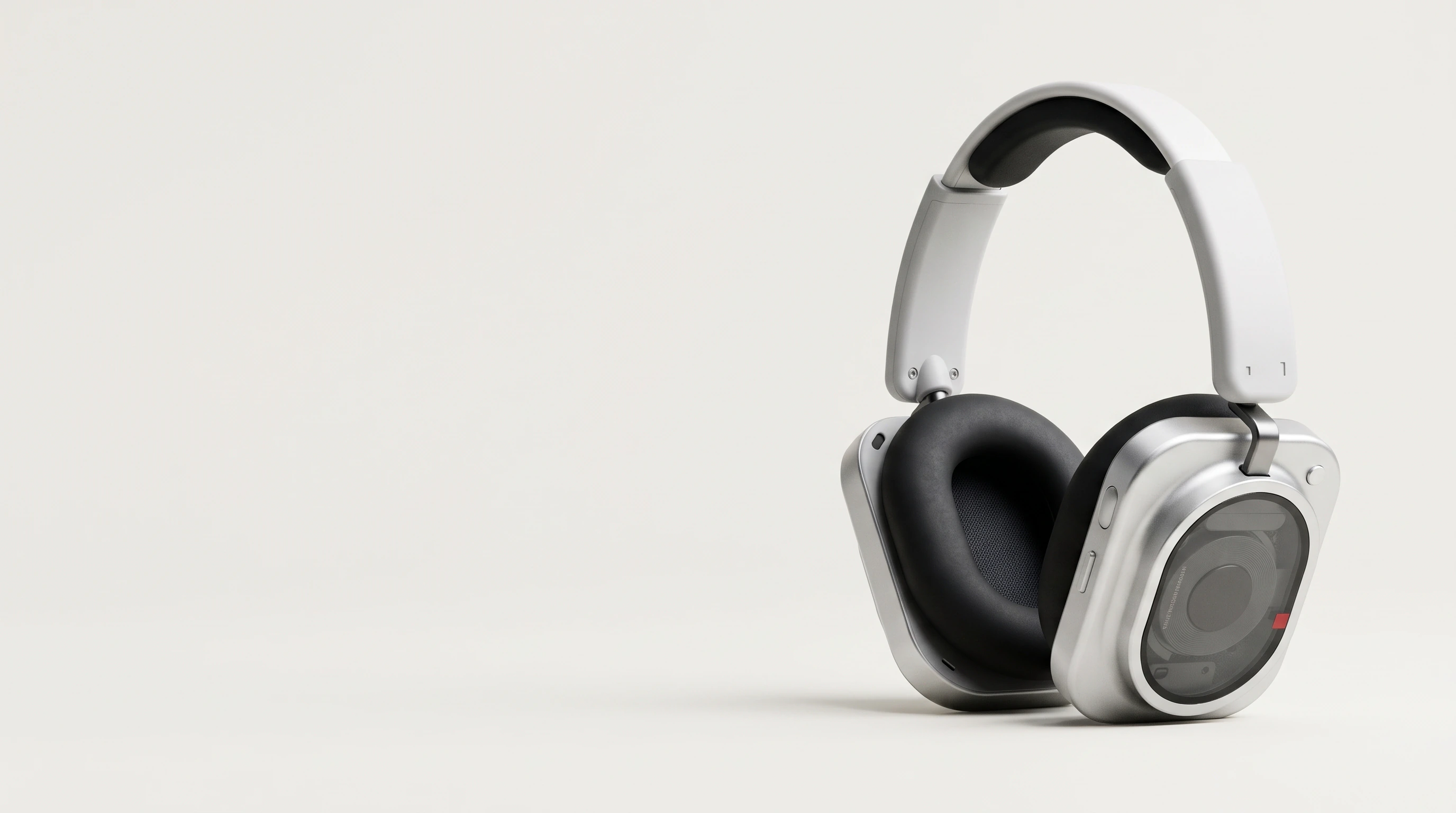
Nothing headphones on a light grey ground

Nothing

A clean headphone composition for a product launch.

See the example

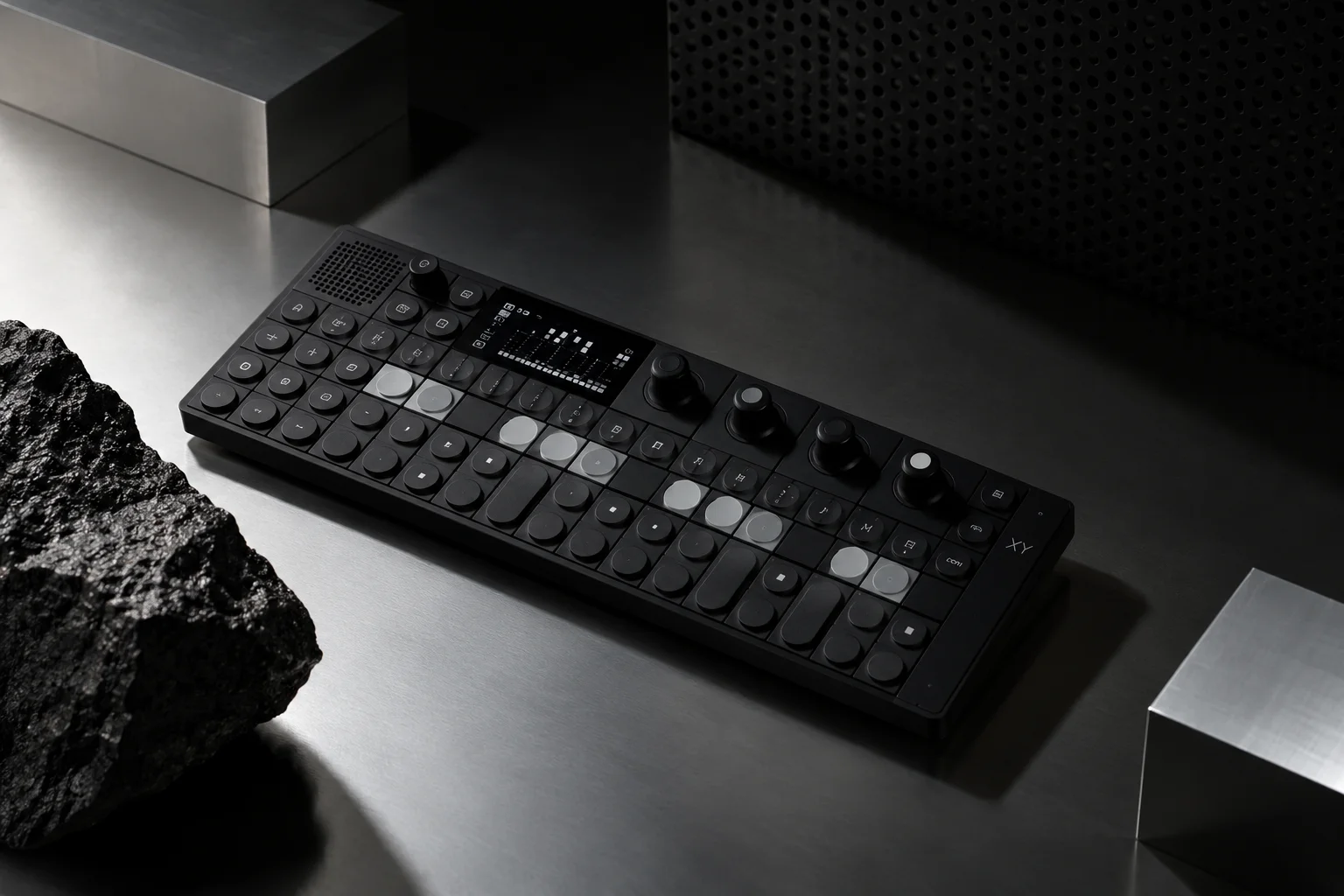
Teenage Engineering field system product still life

Teenage Engineering

A still life bringing the field system products together.

See the example

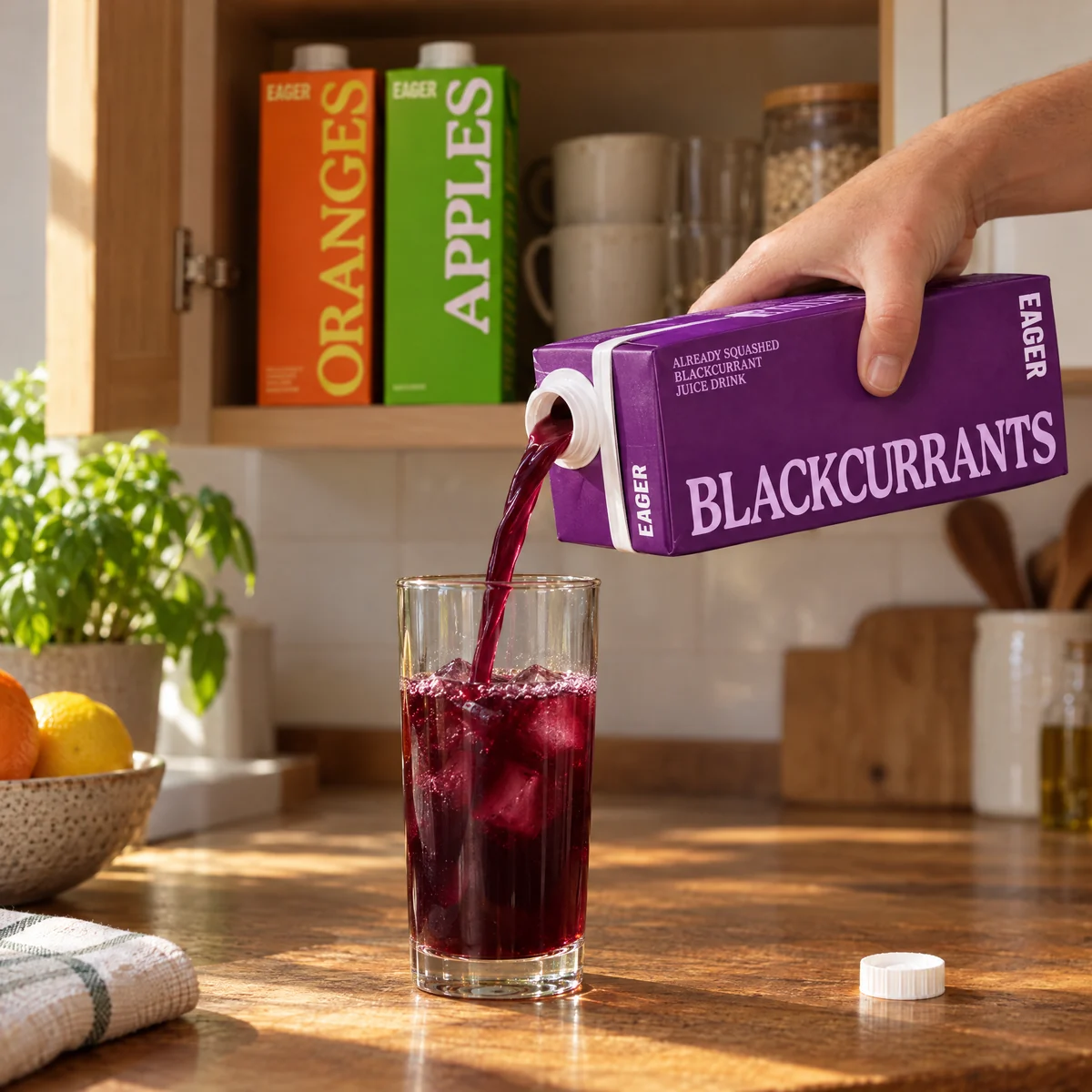
Eager Blackcurrants juice pouring into a glass

Eager

A pouring scene with the Blackcurrants carton and a glass of juice.

See the example

Rainbrand gives your agent product references and the brand’s visual direction in a Brief. The references anchor the product’s appearance; the guidance shapes lighting, colour, composition and setting.

Run it with your agent

Connect Rainbrand to an MCP-compatible agent. Use a ready brand, or provide sources to add one. Specify the product and where the images will appear.
Replace Nothing and the headphones with your brand and product. Specify the background and where the image will appear, and provide clear product references.

Keep the product recognisable

Choose references that clearly show the product’s geometry, materials, packaging and identifying details. Explore the setting and composition around those features. Compare outputs with the references before using them, especially labels, logos and small product details. Start with the intended placement: a product detail image, a website hero and a lifestyle scene need different compositions. Check the final crop as well as the full image. Use your own image tools or Rainbrand’s AI Gateway. Choose a model that accepts product references; a text description alone gives it less to work from. These images are independent concepts, not official Nothing, Teenage Engineering or Eager campaigns.