

Finished result
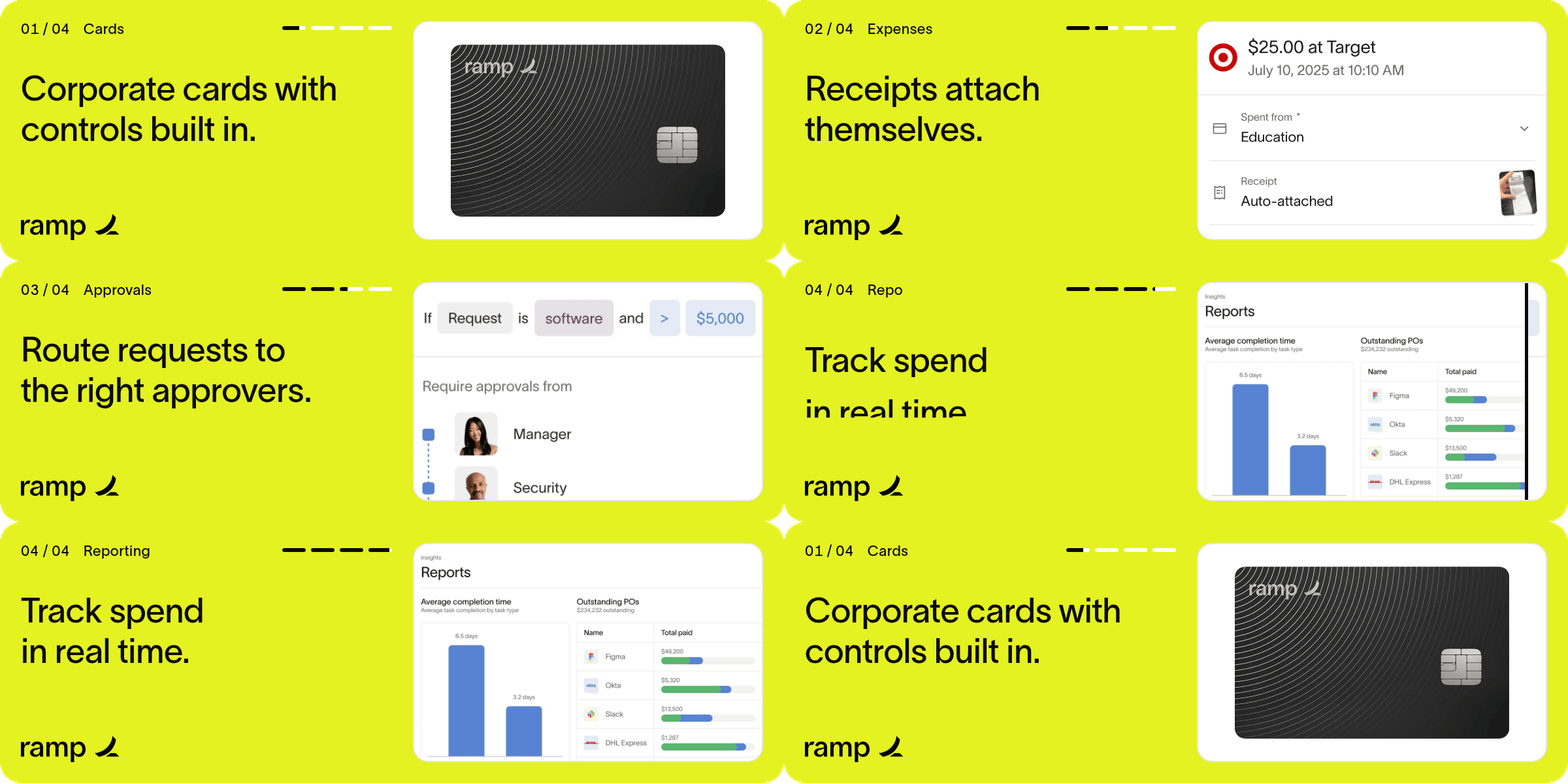
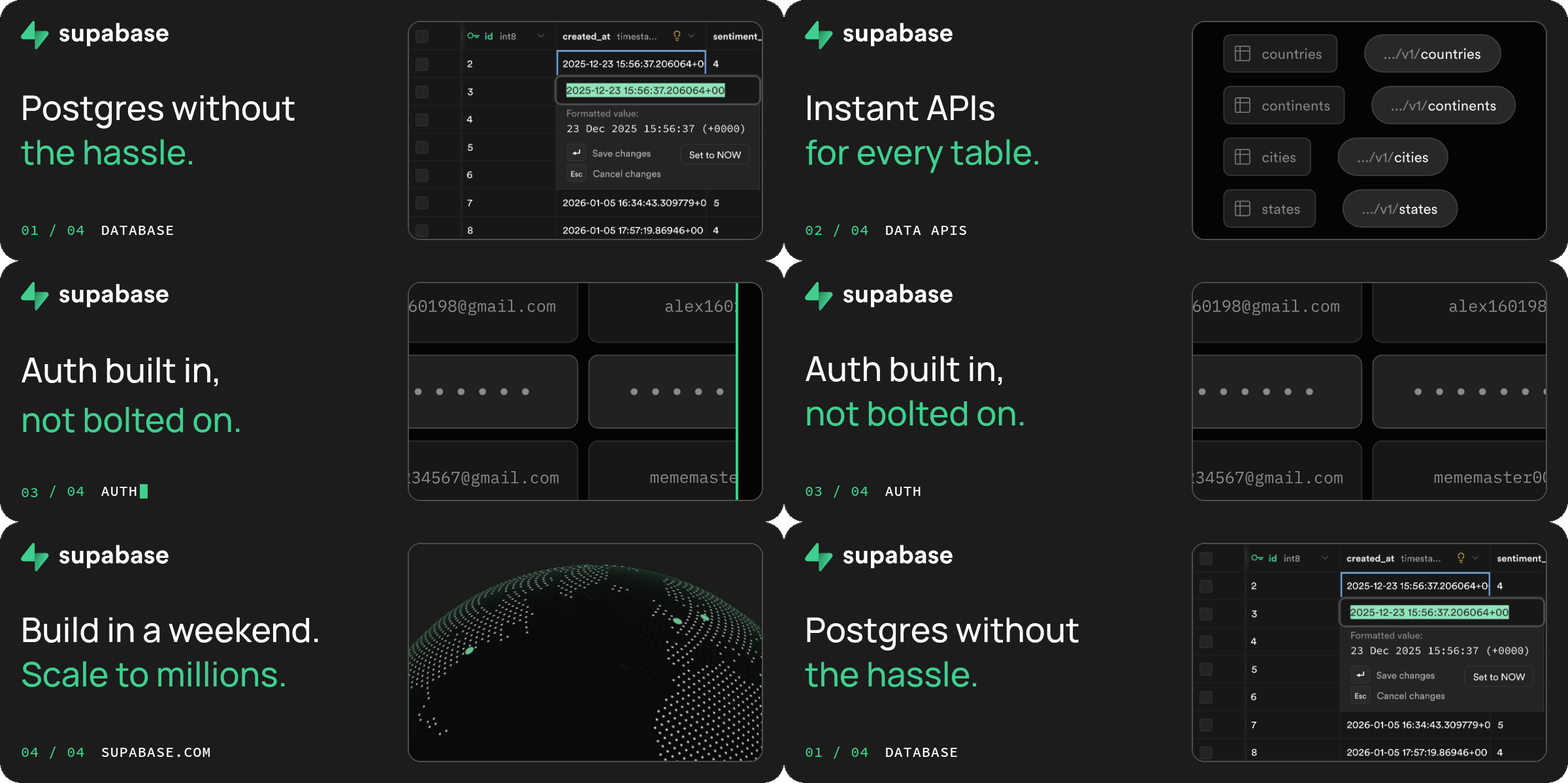
Each banner loops in about 11 seconds, one beat per thing the company does. Rainbrand supplied the fonts, logos, palette, and imagery; a coding agent wrote the copy and animation and rendered the GIF.- Rainbrand
- Ramp
- Supabase
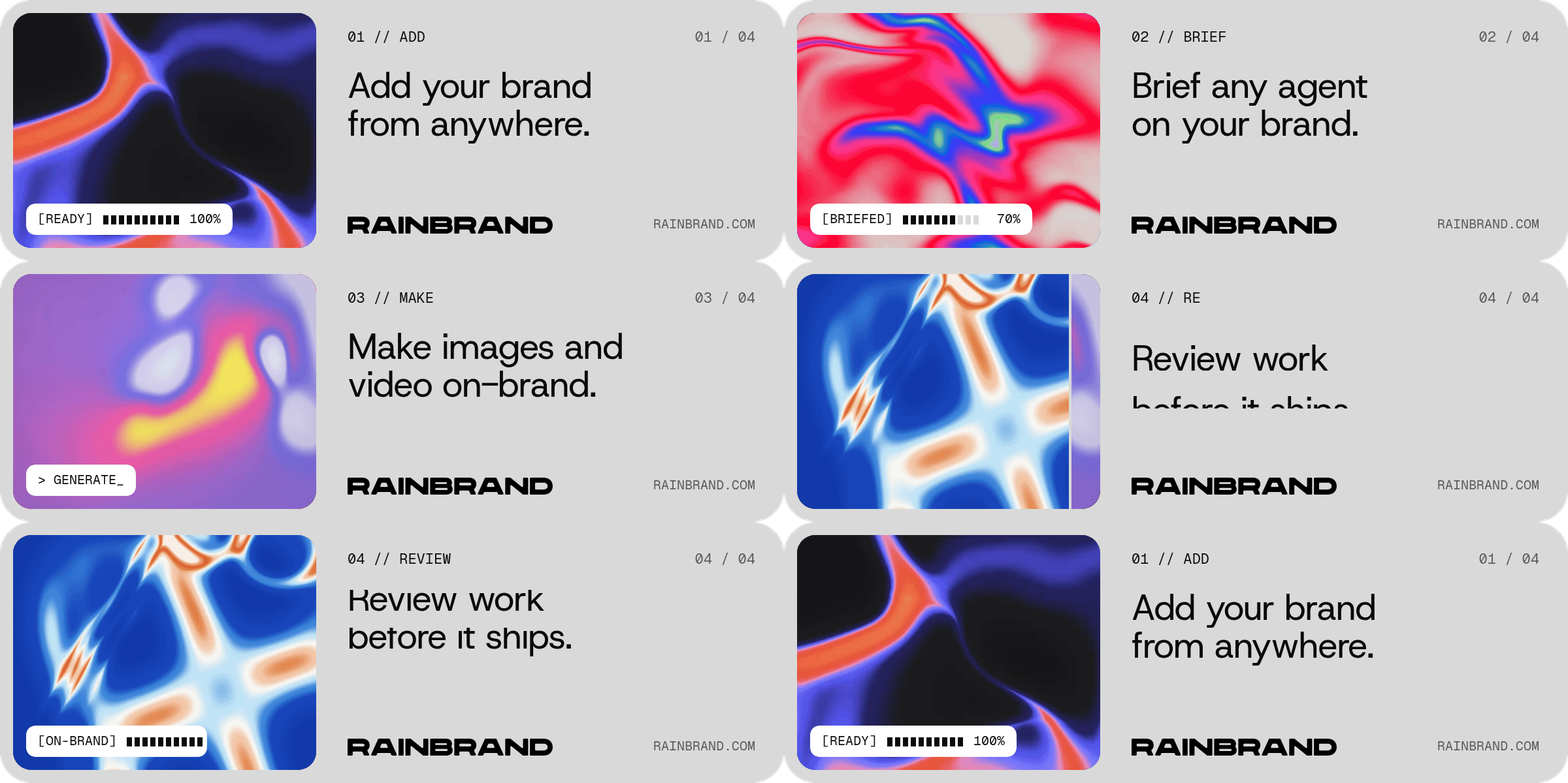
Heat-map windows, numbered steps, and status labels
How Rainbrand shaped the work
Rainbrand’s voice guidance calls for numbered sections, slashes, and status-style cues as accents, which became the01 // ADD labels and the [READY] progress chip, and its heat-map textures sit inside rounded windows on the grey ground. Ramp’s Brief supplied Lausanne, the wordmark, and four product screens; Supabase’s supplied the wordmark, Manrope, and the green accent, with product art from its Brand Library.
What you need
- A coding agent that can run Node.js, such as Claude Code, connected to Rainbrand through MCP.
- A ready brand in Rainbrand, or a website to create one.
Run it with your agent
Connect Rainbrand to your agent
Connect Rainbrand through MCP in your coding environment.
How it worked
1
Request a Brief for the banner
Request a Brief for a 600 × 200 signature banner
and download the fonts, logos, and images it selects. Check that every logo
is the brand’s own before using it.
2
Build the loop as HTML
The agent picks an idea, usually a short product tour, and writes one beat
per capability. Text slides in behind masks and images wipe in at full
opacity, because fades and soft shadows break up in a GIF. The first frame
is a finished still, since desktop Outlook shows only that frame.
3
Render and review
The skill’s script captures every frame in headless Chrome and encodes the
loop with FFmpeg, with rounded corners that hold up on light and dark
backgrounds. It also writes sheets of the loop, its transitions, and both
backgrounds for review. These banners came out at 200–310 KB at 600 × 200,
with a sharper 2× file alongside.
What each system did
- Rainbrand supplied the brand guidance, fonts, logos, and imagery through MCP.
- The coding agent, using Claude Opus 5.5 in these examples, chose the idea, wrote the copy and animation, and reviewed the frames.
- The skill’s render script turned the animation into the GIF with headless Chrome and FFmpeg.
Before you use it
- Send yourself a test email and check it on your phone and in the email clients your recipients use.