> ## Documentation Index
> Fetch the complete documentation index at: https://docs.rainbrand.com/llms.txt
> Use this file to discover all available pages before exploring further.
# Edit a brand
> Prepare, inspect, refine, and apply changes to a brand through the API or MCP.
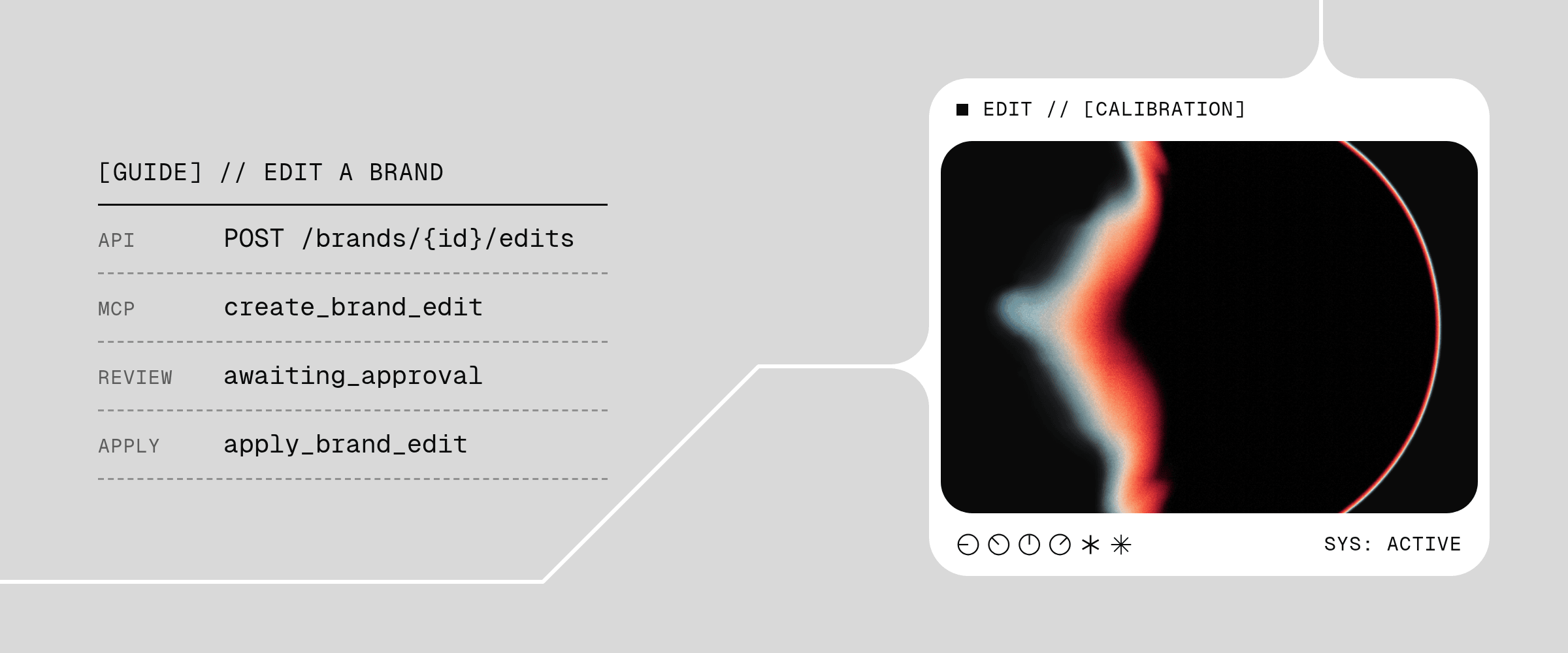 A Brand Edit prepares a candidate version of your Brand Skill. Use natural-language instructions to change brand guidance, or provide exact profile values for the name, logo, colors, gradients, and typography. Both follow the same lifecycle: prepare a candidate, inspect or refine it, then apply or discard it.
Creating an edit does not change the active brand. Applying it activates the candidate; subsequent Brand Skill reads and image generations use that version. The Brand ID stays the same.
Start with a ready brand that has an active Brand Skill. See [Create a brand](/guides/create-brand) if you need one, and [API authentication](/api/authentication) or the [MCP quickstart](/mcp/getting-started) to connect.
## Choose the change
| Change type | Use it for |
| - | - |
| `instruction` | Natural-language changes, such as making the voice more direct or updating guidance from new evidence. |
| `profile` | Exact values for the name, primary logo, colors, gradients, or typography roles. |
An exact profile request preserves the requested structured values, but Rainbrand may also update related Markdown. For example, a palette change can update the visual guidance that describes how those colors are used.
When changing the palette, send the complete color list in the desired order. For a matching HEX value, omitted names, groups, and usage keep their current values; send `null` to remove one of those fields. A gradient change replaces the complete gradient list. Omit gradients to keep them, or send an empty list to remove them all.
Either type can include supporting evidence: a website, Instagram account, files, or images already in the Brand Library. [Stage local files](/guides/upload-files) before submitting them. For a primary logo, first save the image to the Brand Library and reference its image ID. For a custom font, follow the [font upload flow](/guides/upload-files) and reference the returned font asset ID and family.
For exact profile fields and evidence limits, read the [Create a Brand Edit reference](/api-reference/brands/create-a-brand-edit) or the connected server's live MCP schema.
## Prepare a candidate
Read the [active Brand Skill](/guides/use-brand-skill) and use its `skillId` as `baseSkillId`. Then call [Create a Brand Edit](/api-reference/brands/create-a-brand-edit):
```bash theme={"dark"}
curl -X POST "https://www.rainbrand.com/api/v1/brands/$BRAND_ID/edits" \
-H "x-api-key: $RAINBRAND_API_KEY" \
-H "Content-Type: application/json" \
-H "Idempotency-Key: $EDIT_REQUEST_KEY" \
-d '{
"baseSkillId": "",
"change": {
"kind": "instruction",
"instruction": "Make our voice more direct. Keep the existing positioning and visual identity."
}
}'
```
Set `EDIT_REQUEST_KEY` to a unique value for this operation. Reuse it with the same body when retrying the request; use a new key for a different operation.
For an exact profile edit, replace `change` with a profile request, such as:
```json theme={"dark"}
{
"kind": "profile",
"changes": {
"colors": [{ "hex": "#245C45" }, { "hex": "#F8F5EE" }]
}
}
```
Keep the returned edit `id`. While its status is `preparing`, call [Get a Brand Edit](/api-reference/brands/get-a-brand-edit) with `wait=true`. If it is still preparing, follow the response's retry guidance and repeat the read with the same ID.
Ask your connected client to make the change:
```text theme={"dark"}
Prepare an edit to our brand in Rainbrand that makes our voice more
direct, while keeping the existing positioning and visual identity.
```
The client uses `create_brand_edit` with an `instruction` or `profile` change. If the result is still `preparing`, call `get_brand_edit` with the same `edit_id` and `wait: true`. Repeat that read as needed; do not create another edit to check progress. The connected server's `tools/list` defines the exact fields.
Preparation can produce a candidate or pause for input. A wait may end while preparation continues; keep using the same edit ID to follow its progress.
## Handle a request for input
At `input_required`, read the clarification or choice and answer in the format it requests. Answering continues preparation; it does not apply the edit.
API clients submit a typed response to [Continue a Brand Edit](/api-reference/brands/continue-a-brand-edit), using the current interaction ID and an `Idempotency-Key`. If the result is `preparing`, read the edit again with `wait=true`. Use the returned option IDs for a selection, or provide an answer in the accepted format. A client can also decline the interaction.
MCP clients that support native input can handle the exchange within the request. Other clients use `continue_brand_edit` with the returned edit and interaction IDs. If preparation continues, follow with `get_brand_edit` and `wait: true`.
## Inspect the candidate
When status reaches `awaiting_approval`, inspect the proposed profile, guidance, and asset changes. For complete Markdown, [read a changed file](/api-reference/brands/get-a-changed-brand-file) with the API or `get_brand_edit_file` in MCP. Follow the returned cursor to read the remaining content.
## Refine a candidate
To revise a candidate awaiting approval, create another edit with `replacesEditId` in the API or `replaces_edit_id` in MCP. Describe the refinement in the new request.
The existing candidate stays available while its replacement is being prepared or waiting for input. Only when the replacement reaches `awaiting_approval` does Rainbrand discard the old candidate and make the new one available to apply. A failed refinement does not lose the previous candidate.
## Apply or discard
Call [Apply a Brand Edit](/api-reference/brands/apply-a-brand-edit) or `apply_brand_edit` to make the candidate the active Brand Skill. Call [Discard a Brand Edit](/api-reference/brands/discard-a-brand-edit) or `discard_brand_edit` to end the edit without changing the active brand.
If the active brand changes after the edit was based on it, the candidate cannot overwrite that newer version. Read the current Brand Skill and prepare a new edit from it.
After applying an edit, [retrieve the active Brand Skill](/guides/use-brand-skill) to use the updated context outside Rainbrand. If preparation fails, read the returned error before trying again.
The [Brand Edit reference](/api-reference/brands/create-a-brand-edit) and live MCP `tools/list` define the exact fields, statuses, and errors.
This documentation is built and hosted on [Mintlify](https://mintlify.com), a developer documentation platform.
A Brand Edit prepares a candidate version of your Brand Skill. Use natural-language instructions to change brand guidance, or provide exact profile values for the name, logo, colors, gradients, and typography. Both follow the same lifecycle: prepare a candidate, inspect or refine it, then apply or discard it.
Creating an edit does not change the active brand. Applying it activates the candidate; subsequent Brand Skill reads and image generations use that version. The Brand ID stays the same.
Start with a ready brand that has an active Brand Skill. See [Create a brand](/guides/create-brand) if you need one, and [API authentication](/api/authentication) or the [MCP quickstart](/mcp/getting-started) to connect.
## Choose the change
| Change type | Use it for |
| - | - |
| `instruction` | Natural-language changes, such as making the voice more direct or updating guidance from new evidence. |
| `profile` | Exact values for the name, primary logo, colors, gradients, or typography roles. |
An exact profile request preserves the requested structured values, but Rainbrand may also update related Markdown. For example, a palette change can update the visual guidance that describes how those colors are used.
When changing the palette, send the complete color list in the desired order. For a matching HEX value, omitted names, groups, and usage keep their current values; send `null` to remove one of those fields. A gradient change replaces the complete gradient list. Omit gradients to keep them, or send an empty list to remove them all.
Either type can include supporting evidence: a website, Instagram account, files, or images already in the Brand Library. [Stage local files](/guides/upload-files) before submitting them. For a primary logo, first save the image to the Brand Library and reference its image ID. For a custom font, follow the [font upload flow](/guides/upload-files) and reference the returned font asset ID and family.
For exact profile fields and evidence limits, read the [Create a Brand Edit reference](/api-reference/brands/create-a-brand-edit) or the connected server's live MCP schema.
## Prepare a candidate
Read the [active Brand Skill](/guides/use-brand-skill) and use its `skillId` as `baseSkillId`. Then call [Create a Brand Edit](/api-reference/brands/create-a-brand-edit):
```bash theme={"dark"}
curl -X POST "https://www.rainbrand.com/api/v1/brands/$BRAND_ID/edits" \
-H "x-api-key: $RAINBRAND_API_KEY" \
-H "Content-Type: application/json" \
-H "Idempotency-Key: $EDIT_REQUEST_KEY" \
-d '{
"baseSkillId": "",
"change": {
"kind": "instruction",
"instruction": "Make our voice more direct. Keep the existing positioning and visual identity."
}
}'
```
Set `EDIT_REQUEST_KEY` to a unique value for this operation. Reuse it with the same body when retrying the request; use a new key for a different operation.
For an exact profile edit, replace `change` with a profile request, such as:
```json theme={"dark"}
{
"kind": "profile",
"changes": {
"colors": [{ "hex": "#245C45" }, { "hex": "#F8F5EE" }]
}
}
```
Keep the returned edit `id`. While its status is `preparing`, call [Get a Brand Edit](/api-reference/brands/get-a-brand-edit) with `wait=true`. If it is still preparing, follow the response's retry guidance and repeat the read with the same ID.
Ask your connected client to make the change:
```text theme={"dark"}
Prepare an edit to our brand in Rainbrand that makes our voice more
direct, while keeping the existing positioning and visual identity.
```
The client uses `create_brand_edit` with an `instruction` or `profile` change. If the result is still `preparing`, call `get_brand_edit` with the same `edit_id` and `wait: true`. Repeat that read as needed; do not create another edit to check progress. The connected server's `tools/list` defines the exact fields.
Preparation can produce a candidate or pause for input. A wait may end while preparation continues; keep using the same edit ID to follow its progress.
## Handle a request for input
At `input_required`, read the clarification or choice and answer in the format it requests. Answering continues preparation; it does not apply the edit.
API clients submit a typed response to [Continue a Brand Edit](/api-reference/brands/continue-a-brand-edit), using the current interaction ID and an `Idempotency-Key`. If the result is `preparing`, read the edit again with `wait=true`. Use the returned option IDs for a selection, or provide an answer in the accepted format. A client can also decline the interaction.
MCP clients that support native input can handle the exchange within the request. Other clients use `continue_brand_edit` with the returned edit and interaction IDs. If preparation continues, follow with `get_brand_edit` and `wait: true`.
## Inspect the candidate
When status reaches `awaiting_approval`, inspect the proposed profile, guidance, and asset changes. For complete Markdown, [read a changed file](/api-reference/brands/get-a-changed-brand-file) with the API or `get_brand_edit_file` in MCP. Follow the returned cursor to read the remaining content.
## Refine a candidate
To revise a candidate awaiting approval, create another edit with `replacesEditId` in the API or `replaces_edit_id` in MCP. Describe the refinement in the new request.
The existing candidate stays available while its replacement is being prepared or waiting for input. Only when the replacement reaches `awaiting_approval` does Rainbrand discard the old candidate and make the new one available to apply. A failed refinement does not lose the previous candidate.
## Apply or discard
Call [Apply a Brand Edit](/api-reference/brands/apply-a-brand-edit) or `apply_brand_edit` to make the candidate the active Brand Skill. Call [Discard a Brand Edit](/api-reference/brands/discard-a-brand-edit) or `discard_brand_edit` to end the edit without changing the active brand.
If the active brand changes after the edit was based on it, the candidate cannot overwrite that newer version. Read the current Brand Skill and prepare a new edit from it.
After applying an edit, [retrieve the active Brand Skill](/guides/use-brand-skill) to use the updated context outside Rainbrand. If preparation fails, read the returned error before trying again.
The [Brand Edit reference](/api-reference/brands/create-a-brand-edit) and live MCP `tools/list` define the exact fields, statuses, and errors.
This documentation is built and hosted on [Mintlify](https://mintlify.com), a developer documentation platform.