> ## Documentation Index
> Fetch the complete documentation index at: https://docs.rainbrand.com/llms.txt
> Use this file to discover all available pages before exploring further.
# Create a brand
> Create a brand from your sources and use its context through the API or MCP.
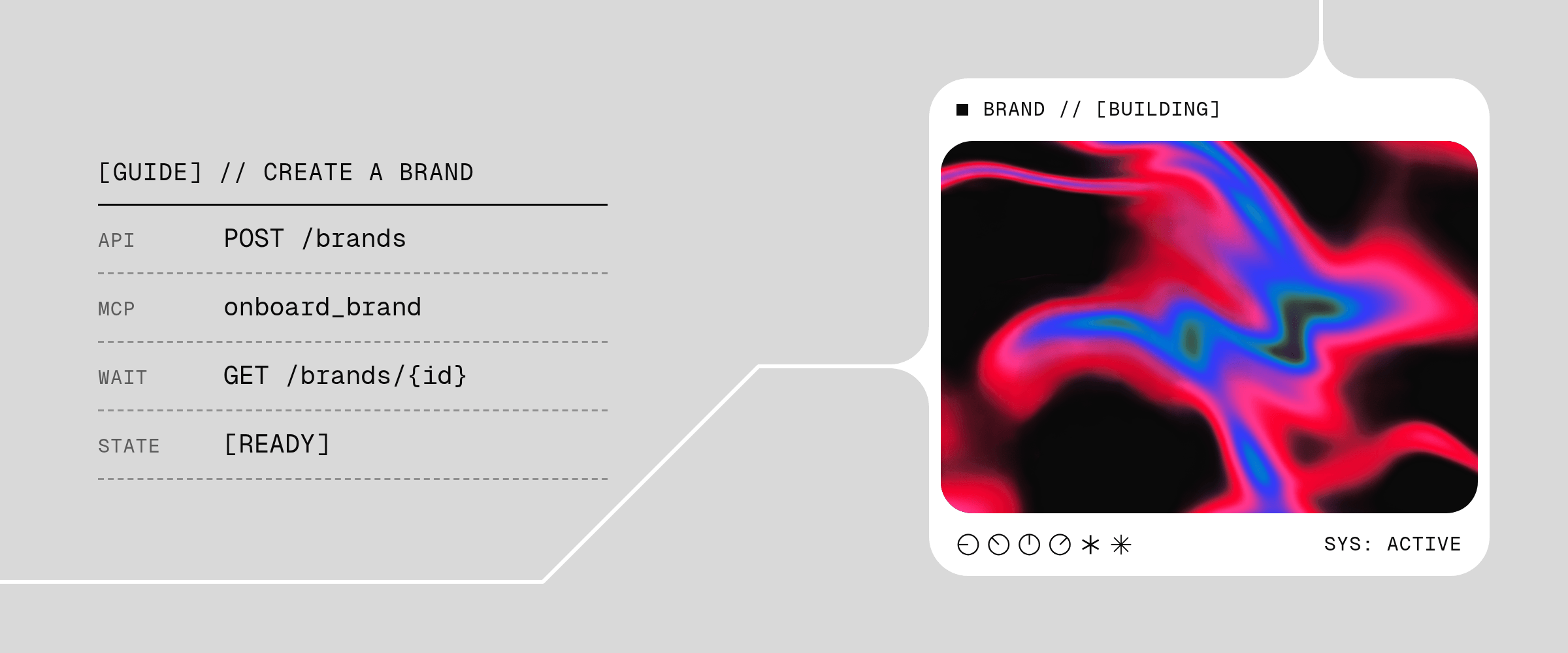 Create a brand from the sources that define it, wait until it is ready, then use its context through the API or MCP.
Start with [API authentication](/api/authentication) or [connect an MCP client](/mcp/connect).
## Choose your sources
Choose sources that explain the brand, such as a website, brand guide, written requirements, logos, images, and more. You can start with one source or combine several; files can be the entire starting point.
File URLs must use HTTPS and remain publicly reachable while the request runs. For local files, follow [Upload local files](/guides/upload-files), then use the returned upload ID. Use the same workspace for upload and creation.
Rainbrand determines the brand name from the sources. Creation defaults to your personal workspace; pass `workspaceId` in the API or `workspace_id` in MCP to select a team workspace.
## Explain what matters
Use optional `instructions` to identify a file's role, prioritize sources, or request guidance the Brand Skill should cover. For example, identify the approved brand guide and ask for guidance on product imagery. Inspect the result to confirm it meets your needs.
## Start creation
Send the ordered source set to `POST /brands`:
```bash theme={"dark"}
curl -X POST https://www.rainbrand.com/api/v1/brands \
-H "x-api-key: $RAINBRAND_API_KEY" \
-H "Idempotency-Key: acme-brand-2026-09-24" \
-H "Content-Type: application/json" \
-d '{
"sources": [
{ "kind": "website", "url": "https://acme.com" },
{
"kind": "file",
"url": "https://uploads.acme.com/temporary-brand-guide.pdf",
"filename": "brand-guide.pdf"
}
],
"instructions": "Create an imagery.md file that explains how image-heavy this brand is and what imagery it uses."
}'
```
Once [Rainbrand MCP is connected](/mcp/connect), ask the agent to create the brand:
```text theme={"dark"}
Create a brand in Rainbrand from acme.com and the brand guide at
https://uploads.acme.com/temporary-brand-guide.pdf. Ask the Brand Agent to
create an imagery.md file explaining how image-heavy the brand is and what
imagery it uses.
```
The agent uses `onboard_brand`. Direct integrations should read the connected server's live `tools/list` schema for its inputs.
Keep the returned Brand ID: `id` in the API or `brand_session_id` in MCP. Use it for status checks and later work. The [REST reference](/api-reference/brands/create-a-brand) and live MCP schema define the exact source formats, limits, and responses.
## Retry creation
Use an optional `Idempotency-Key` header in the API or `idempotency_key` in MCP to retry safely.
Repeat an uncertain request with the same idempotency key. If you change the sources or begin a new attempt, use a new key.
If you already have the Brand ID, check its progress instead of submitting creation again. See the [REST reference](/api-reference/brands/create-a-brand) or live MCP schema for exact retry behavior.
## Handle an existing brand
If Rainbrand finds a matching brand in the selected workspace, choose whether to use it or create another. No new brand is created until you resolve that choice.
Only after the user explicitly chooses another, retry with `allowDuplicate: true` in the API or `allow_duplicate: true` in MCP. Keep the original sources, instructions, and workspace.
## Wait until the brand is ready
Retrieve the brand with `wait=true`:
```bash theme={"dark"}
curl "https://www.rainbrand.com/api/v1/brands/$BRAND_ID?wait=true" \
-H "x-api-key: $RAINBRAND_API_KEY"
```
Call `get_brand` with the returned `brand_session_id` and `wait: true`.
If the response is still `analyzing`, repeat the read with the same Brand ID and waiting enabled. A timeout ends the wait; creation continues. Continue with the brand when it is `ready`, or [handle the failure](#handle-failures) if it is `failed`.
## Supply a specific logo
Include the approved logo as a file source and name its role explicitly:
```json theme={"dark"}
{
"sources": [
{ "kind": "website", "url": "https://acme.com" },
{
"kind": "file",
"url": "https://uploads.acme.com/brand-logo.png",
"filename": "brand-logo.png"
}
],
"instructions": "The attached image is the approved primary logo."
}
```
When several logos are supplied, identify each one as primary, alternate, deprecated, tentative, or reference-only. Prefer PNG or WebP when a supplied file should become the profile's primary logo.
After creation, check `profile.primaryLogo` in `GET /brands/{id}`. To change it, follow the [logo upload flow](/guides/upload-files) and [prepare a profile edit](/guides/edit-brand).
## Handle failures
If Rainbrand rejects the request, correct the reported source or input before retrying.
If creation fails, read the returned failure message before starting again. Correct or replace a rejected source, supply more useful sources if there was too little to work from, or retry the same sources if Rainbrand asks you to try again.
Submit a new creation request with a new key and save its Brand ID. Handle any [duplicate result](#handle-an-existing-brand) before proceeding.
For a new attempt, re-upload expired files or renew expired public URLs.
## Next steps
* [Edit the brand's profile or guidance](/guides/edit-brand)
* [Retrieve and use the active Brand Skill](/guides/use-brand-skill)
* [Make your first generation through the API](/api/index)
* Inspect the exact [`POST /brands`](/api-reference/brands/create-a-brand) contract
This documentation is built and hosted on [Mintlify](https://mintlify.com), a developer documentation platform.
Create a brand from the sources that define it, wait until it is ready, then use its context through the API or MCP.
Start with [API authentication](/api/authentication) or [connect an MCP client](/mcp/connect).
## Choose your sources
Choose sources that explain the brand, such as a website, brand guide, written requirements, logos, images, and more. You can start with one source or combine several; files can be the entire starting point.
File URLs must use HTTPS and remain publicly reachable while the request runs. For local files, follow [Upload local files](/guides/upload-files), then use the returned upload ID. Use the same workspace for upload and creation.
Rainbrand determines the brand name from the sources. Creation defaults to your personal workspace; pass `workspaceId` in the API or `workspace_id` in MCP to select a team workspace.
## Explain what matters
Use optional `instructions` to identify a file's role, prioritize sources, or request guidance the Brand Skill should cover. For example, identify the approved brand guide and ask for guidance on product imagery. Inspect the result to confirm it meets your needs.
## Start creation
Send the ordered source set to `POST /brands`:
```bash theme={"dark"}
curl -X POST https://www.rainbrand.com/api/v1/brands \
-H "x-api-key: $RAINBRAND_API_KEY" \
-H "Idempotency-Key: acme-brand-2026-09-24" \
-H "Content-Type: application/json" \
-d '{
"sources": [
{ "kind": "website", "url": "https://acme.com" },
{
"kind": "file",
"url": "https://uploads.acme.com/temporary-brand-guide.pdf",
"filename": "brand-guide.pdf"
}
],
"instructions": "Create an imagery.md file that explains how image-heavy this brand is and what imagery it uses."
}'
```
Once [Rainbrand MCP is connected](/mcp/connect), ask the agent to create the brand:
```text theme={"dark"}
Create a brand in Rainbrand from acme.com and the brand guide at
https://uploads.acme.com/temporary-brand-guide.pdf. Ask the Brand Agent to
create an imagery.md file explaining how image-heavy the brand is and what
imagery it uses.
```
The agent uses `onboard_brand`. Direct integrations should read the connected server's live `tools/list` schema for its inputs.
Keep the returned Brand ID: `id` in the API or `brand_session_id` in MCP. Use it for status checks and later work. The [REST reference](/api-reference/brands/create-a-brand) and live MCP schema define the exact source formats, limits, and responses.
## Retry creation
Use an optional `Idempotency-Key` header in the API or `idempotency_key` in MCP to retry safely.
Repeat an uncertain request with the same idempotency key. If you change the sources or begin a new attempt, use a new key.
If you already have the Brand ID, check its progress instead of submitting creation again. See the [REST reference](/api-reference/brands/create-a-brand) or live MCP schema for exact retry behavior.
## Handle an existing brand
If Rainbrand finds a matching brand in the selected workspace, choose whether to use it or create another. No new brand is created until you resolve that choice.
Only after the user explicitly chooses another, retry with `allowDuplicate: true` in the API or `allow_duplicate: true` in MCP. Keep the original sources, instructions, and workspace.
## Wait until the brand is ready
Retrieve the brand with `wait=true`:
```bash theme={"dark"}
curl "https://www.rainbrand.com/api/v1/brands/$BRAND_ID?wait=true" \
-H "x-api-key: $RAINBRAND_API_KEY"
```
Call `get_brand` with the returned `brand_session_id` and `wait: true`.
If the response is still `analyzing`, repeat the read with the same Brand ID and waiting enabled. A timeout ends the wait; creation continues. Continue with the brand when it is `ready`, or [handle the failure](#handle-failures) if it is `failed`.
## Supply a specific logo
Include the approved logo as a file source and name its role explicitly:
```json theme={"dark"}
{
"sources": [
{ "kind": "website", "url": "https://acme.com" },
{
"kind": "file",
"url": "https://uploads.acme.com/brand-logo.png",
"filename": "brand-logo.png"
}
],
"instructions": "The attached image is the approved primary logo."
}
```
When several logos are supplied, identify each one as primary, alternate, deprecated, tentative, or reference-only. Prefer PNG or WebP when a supplied file should become the profile's primary logo.
After creation, check `profile.primaryLogo` in `GET /brands/{id}`. To change it, follow the [logo upload flow](/guides/upload-files) and [prepare a profile edit](/guides/edit-brand).
## Handle failures
If Rainbrand rejects the request, correct the reported source or input before retrying.
If creation fails, read the returned failure message before starting again. Correct or replace a rejected source, supply more useful sources if there was too little to work from, or retry the same sources if Rainbrand asks you to try again.
Submit a new creation request with a new key and save its Brand ID. Handle any [duplicate result](#handle-an-existing-brand) before proceeding.
For a new attempt, re-upload expired files or renew expired public URLs.
## Next steps
* [Edit the brand's profile or guidance](/guides/edit-brand)
* [Retrieve and use the active Brand Skill](/guides/use-brand-skill)
* [Make your first generation through the API](/api/index)
* Inspect the exact [`POST /brands`](/api-reference/brands/create-a-brand) contract
This documentation is built and hosted on [Mintlify](https://mintlify.com), a developer documentation platform.